Website redesign: 12 mistakes that make SEO drop
Missing redirects, cut content, a leftover noindex, a slower site: the 12 website redesign mistakes that make SEO drop, and how to avoid each one before launch.
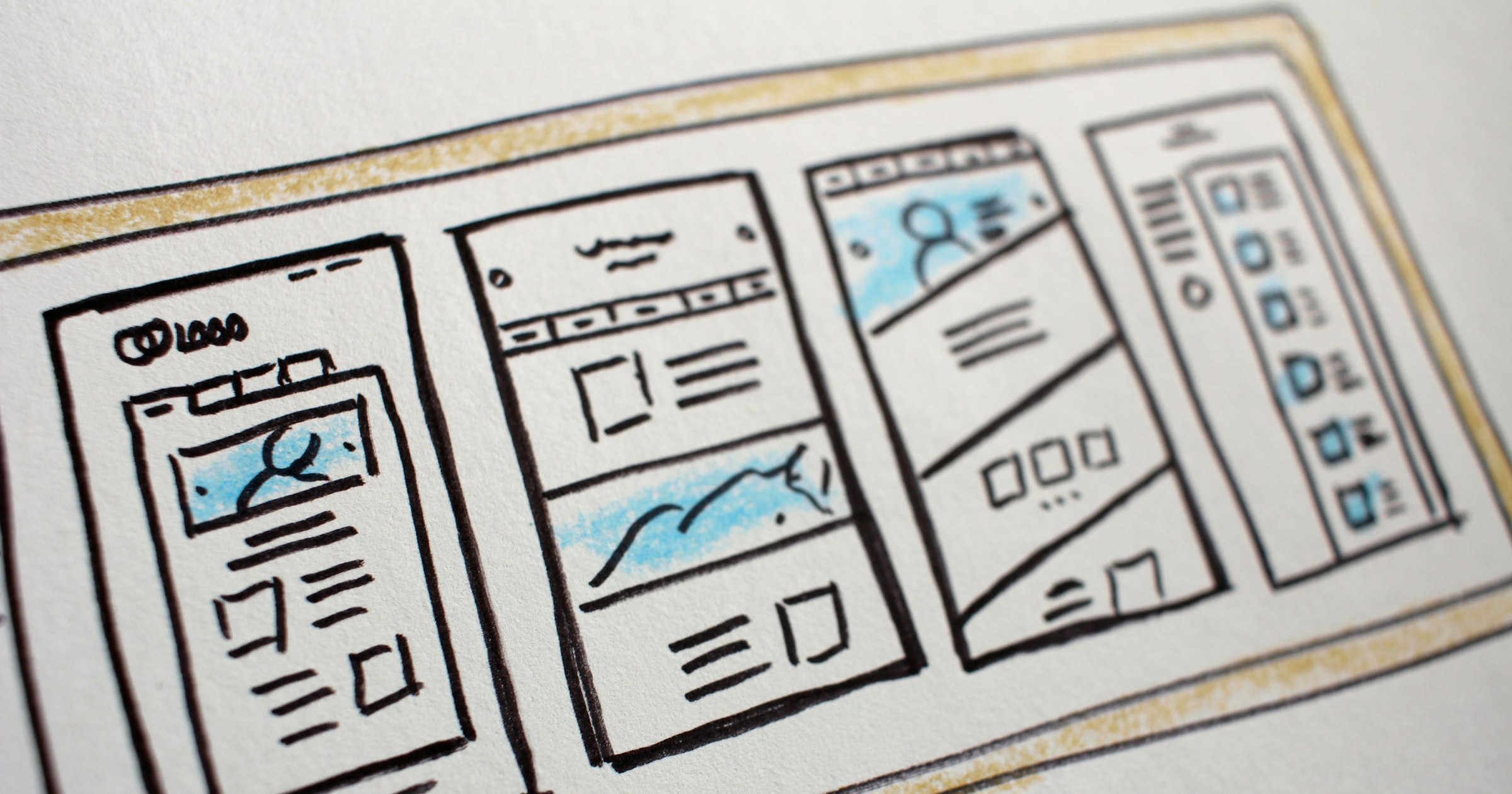
A redesign should make a website better looking, faster and easier to sell from. Yet many sites lose part of their Google traffic in the weeks after launch. The new design is rarely the cause. It is almost always a series of technical oversights that are easy to avoid once you know them.
Here are the 12 mistakes we see most often, grouped by type, with what to do instead.
First: know what brings in traffic today
You can only protect what you have measured. Before touching the site, export from Google Search Console the list of pages that get clicks and impressions over the last 12 months. Add a full crawl of the current site (every URL, title, meta description, H1 and internal link). This inventory is your reference for the whole project.
Without it, the design team cannot know which pages are off-limits, and the mistakes below become almost unavoidable.
URLs changed without redirects
Mistake 1: changing addresses without a redirect plan
This is the most expensive mistake. A new site structure, a new CMS or a simple change of format (/produit/ becomes /products/) and every old address returns a 404. Google loses the link between the old page, its history and its backlinks.
The rule: every old URL with traffic or links must point to its new equivalent through a server-side 301 redirect. Google recommends keeping these redirects for at least a year after a URL change. In practice, keep them for as long as you can.
Mistake 2: redirecting everything to the homepage
Sending hundreds of old pages to the homepage looks convenient. Google often treats these redirects as missing pages, and a visitor looking for a specific product lands on a page that does not answer them. Redirect each page to its closest equivalent: the same product, otherwise its category, otherwise the article covering the same topic.
Mistake 3: stacking redirect chains
A site redesigned several times piles up hops: A redirects to B, which redirects to C. Each hop slows loading and weakens the signal. During the redesign, update old redirects so they point straight to the final address.
Content removed or thinned out
Mistake 4: cutting the copy that ranks
New mock-ups are often airier, with less text. The 400-word category description that brought in traffic disappears, replaced by a two-line tagline. Before shortening a page, check your inventory to see whether it ranks. If it does, keep its content and find it a place in the new design, even further down the page.
Mistake 5: losing titles and meta descriptions
During a migration, title tags and meta descriptions refined over years are sometimes replaced with auto-generated values. Export them and re-import them page by page. It is tedious work, but it is often what separates a neutral redesign from one that sinks traffic.
Broken structure and internal linking
Mistake 6: a decorative heading structure
In many themes, headings are chosen for their size rather than their role. You end up with three H1s on the homepage, or a product name set as a plain paragraph. Each page needs a single H1 describing its topic, then H2s and H3s that follow the logic of the content. Visual style belongs in CSS, not in the heading level.
Mistake 7: removing internal links
A shorter menu, a simplified footer, “related articles” blocks taken out: every internal link removed reduces the visibility of the pages it served. Compare the number of internal links your key pages receive before and after the redesign. A strategic page that is only linked from the sitemap will lose ground.
Pages blocked by mistake
Mistake 8: keeping the staging site’s blocks
During development, the test site is deliberately closed to search engines: a noindex tag, a robots.txt file that blocks everything, or the “Discourage search engines from indexing this site” box ticked in WordPress. If these settings reach production, Google ends up dropping the pages from its index. Check them on launch day.
Mistake 9: wrong canonical and hreflang tags
A canonical tag still pointing to the staging address, or to a single page for the whole site, tells Google not to index your pages. On a multilingual site, inconsistent hreflang tags mix up the versions. A control crawl before the switch catches these errors in minutes.
Slower pages and heavier images
Mistake 10: heavy images with no alt text
New visuals are often larger and more numerous. Without compression or a modern format, they weigh down every page. Renamed images, or images stripped of their alt attribute, also lose their visibility in Google Images. Compress, serve formats such as WebP, set dimensions and describe every useful image.
Mistake 11: a site slower than before
Animations, background videos, multiple fonts, tracking scripts: a redesign easily adds weight. Google measures real-world experience with Core Web Vitals. The thresholds considered good are an LCP of 2.5 seconds or less, an INP of 200 milliseconds or less and a CLS of 0.1 or less. Measure before and after, and refuse to launch a slower version. Our guide to speeding up a WordPress site covers the most effective levers.
Monitoring after launch
Mistake 12: treating launch day as the finish line
Going live is only the start of the most sensitive phase. In the first weeks, you need to:
- submit the new XML sitemap in Search Console;
- check the indexing report and 404 errors every day;
- test a sample of old URLs to make sure they redirect properly;
- compare clicks and rankings of key pages with the starting inventory;
- fix anything that slips quickly, before the drop settles in.
A slight, temporary dip is common after a major redesign, while Google recrawls the site. A drop that lasts beyond a few weeks almost always points to one of the mistakes above.
At Nifty Link, every UX/UI redesign includes this SEO protection plan: inventory, redirect map, technical QA and post-launch monitoring. If your site is also changing platform, our method to migrate from WooCommerce to Shopify without losing SEO applies the same principles. And for a full check before or after a redesign, see our technical SEO service.
Frequently asked questions
Does a redesign always reduce traffic?
No. A well-prepared redesign can even increase it, if the new site is faster and better structured. A short dip is common while Google recrawls the pages. A lasting drop almost always comes from unredirected URLs, removed content or blocked pages.
How long should 301 redirects stay in place?
Google recommends keeping them for at least a year. In practice, it is better to keep them as long as possible, because backlinks and bookmarks keep pointing to old addresses for years.
Should every old page be redirected?
Redirect every page that has traffic, rankings or backlinks to its closest equivalent. Genuinely useless pages with no links can return a 404 or 410, rather than all being sent to the homepage.
When should the SEO audit of a redesign happen?
Right at the start, before the mock-ups. The inventory of pages that bring in traffic should guide the structure and content of the new site. A second check is done on the staging site, just before launch.
How do I know if my redesign broke something?
In Search Console, compare clicks and impressions for the four weeks after launch with the same period before. Then look at the indexing report and the pages returning 404. The pages that lost the most usually point to the mistake to fix.

Founder of Nifty Link, a Paris web agency specialising in Shopify and WordPress. Certified Shopify Partner, 50+ projects delivered.
Learn more